 Chiho AI
Telegram CRM vs Bots vs Shared Inboxes: Which Does Your Team Need?
Choose a Telegram bot when customers can enter a defined automated conversation. Choose a shared inbox when the main job is coordinating replies across teammates. Choose a Telegram CRM when the team needs durable relationship context, priorities, and follow-up work across conversations. Then check how the product connects to Telegram: the category name alone does not tell you which chats it can access.
These approaches can overlap. A shared inbox can use a bot connection; a CRM can include an inbox and automation. Start with the conversations you must support, then evaluate the workflow around them.
Publisher disclosure: Chiho publishes this guide and offers a Telegram CRM. This is an approach comparison, not an independent product ranking. Platform and vendor documentation were checked on 7 September 2026; Chiho descriptions were checked against current source and documentation. The examples below are illustrative, with no customer performance results or hands-on competitor testing claimed.
Compare the job each approach should do
Use this decision checklist as a starting point. Capabilities such as assignment, historical imports, exports, and approval controls depend on implementation; verify them in the exact product and connection you would use.
Bot: a defined entry point or automated interaction
- Start here when: customers can contact a bot to ask a question, submit a request, or follow a guided process.
- What to inspect: the supported interactions, escalation path, and messages the bot actually receives.
- What is not implied: access to a salesperson's existing private conversations, a team work queue, or a durable customer record.
- Operating work: someone must own the bot application or vendor configuration, failures, and updates.
Telegram documents commands, buttons, and Mini Apps as ways to structure bot interactions. Those are building blocks; your application still needs to decide what to store and when a human should take over. See the official bot features.
Shared inbox: coordinated handling of incoming conversations
- Start here when: several teammates cover the same incoming requests and need to know who should reply next.
- What to inspect: assignment, internal notes, concurrent replies, handover, and supported Telegram conversation types.
- What is not implied: a connection to every employee account, complete historical chat import, or a sales pipeline.
- Operating work: define ownership, coverage, escalation, and what happens when a teammate leaves.
For a concrete example of category overlap, respond.io's Telegram documentation describes connecting a Telegram bot and replying through its platform. It currently says Telegram groups are unsupported. That is evidence about this documented integration, not a rule for all shared inboxes or all Telegram bots. Check your shortlisted vendor's connection page before assuming it supports your group-based customer workflow.
CRM: relationship context and the next action
- Start here when: the difficult question is which relationship needs attention, what was promised, or what a colleague needs to know before taking over.
- What to inspect: persistent notes, tags or priorities, tasks, team context, and links back to the conversation.
- What is not implied: any particular Telegram access model, unlimited history, or automatic message sending.
- Operating work: agree how the team records next actions and keeps the customer record current.
A CRM is useful only if the record helps someone act. For broader selection criteria, use the Telegram CRM buying guide. This article focuses on choosing the approach before choosing a product.
Check conversation access before comparing features
There are three different connection questions to ask a vendor.
Ordinary bot connection: which conversations reach the bot? Telegram's Bots FAQ explains that bots receive private messages sent to them and that group visibility depends on settings such as privacy mode and administrator status. Adding a bot does not turn it into a logged-in copy of a teammate's account.
Connected business bot: which chats and rights did the account holder authorize? Telegram supports connected business bots that receive business-message updates and perform permitted actions on behalf of a connected user. Recipient settings and granted rights matter. Do not treat this as identical to an ordinary standalone bot or assume every inbox vendor implements it.
Connected account: which Telegram account is signed in, which accessible conversations are imported, and what is retained? Chiho's connected-account path uses MTProto through mtcute. That is a different path from a bot-token integration. Account access still does not establish that all historical messages or CRM fields have been imported successfully.
Ask for one demonstration using a permitted sample: an existing direct chat, a customer group, and a new inbound conversation. For each, record whether it is supported, what history appears, and which identity would send a reply. Mark untested cases as unknown. A successful demo in one direct chat is not proof about groups or old history.
Separate access, team sharing, and permission to act
These are separate decisions:
- Telegram access: can the connection read the intended conversation?
- Workspace access: which colleagues can see imported context and internal notes?
- Action permission: who or what can change a record, send a message, or change group membership?
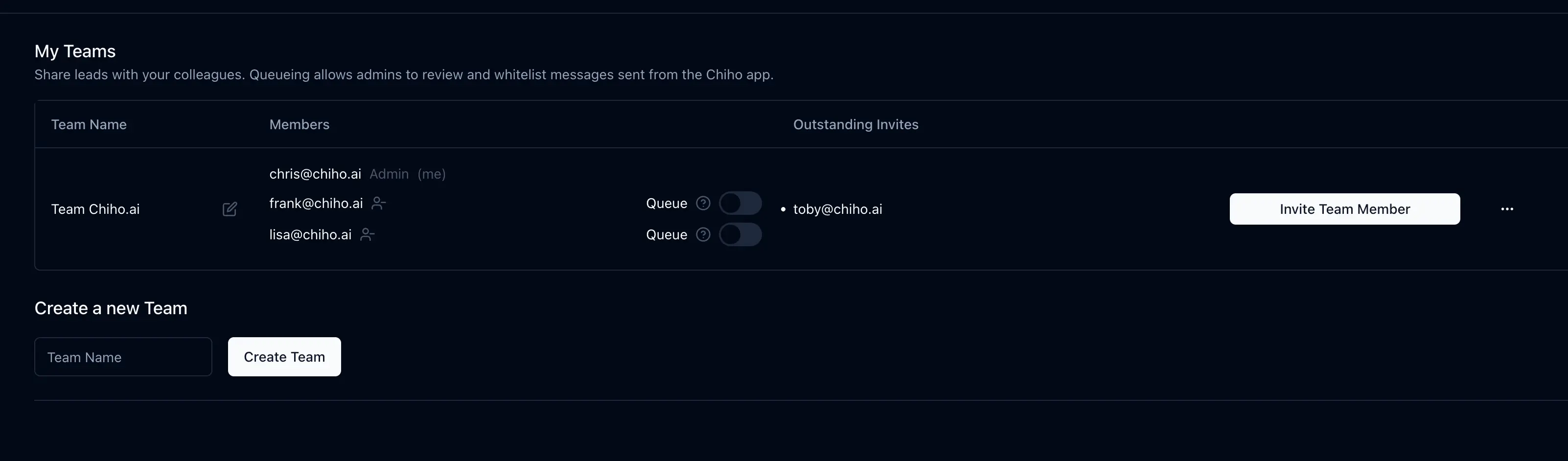
In Chiho, personal and team CRM data use distinct contexts. A colleague's access to shared CRM information is not the same as that colleague being a participant in the original Telegram chat. Test the receiving teammate's view before relying on a handover. The team workflow guide covers the surrounding process.
AI automation adds another permission layer. Do not assume every agent write pauses for approval. Chiho requires stored previews and approval for member invitations and group exits; multi-recipient message previews require approval, while single-recipient approval also depends on configuration. Some other writes can execute directly under the granted permissions and client controls. Review the AI-agent connection guide and the actual authorization settings before using write tools. A skill describes a process; it does not grant access.
Three illustrative team choices
A support desk with a new public contact channel
Customers are happy to start a dedicated support conversation. Begin by evaluating a bot-connected shared inbox. Test whether a teammate can take over from automation, see the prior exchange, and prevent an unanswered request from disappearing. If customers instead require support inside existing groups, make group support a pass-or-fail requirement before assessing inbox features.
A sales team working in established customer chats
The team needs to identify open commitments across existing relationships. Begin with a CRM whose connection supports those conversations. In a sample record, capture the customer's request, the next action, and a confirmed owner. Use the priority follow-up guide to evaluate the work queue. A new bot entry point may still help with intake, but it does not by itself resolve the existing-chat requirement.
An operations team with a repeatable intake process
The team needs a few structured answers before work starts. A bot may be sufficient for intake. If requests later need a human queue or a long-running relationship record, evaluate the handoff to an inbox or CRM. Test that the same request remains identifiable across the transition and that an unsuccessful handoff is visible to an operator.
Run a small selection exercise
This is an evaluation protocol, not a measured study. Use synthetic data or conversations you are authorized to test. Avoid connecting production accounts just to explore a feature.
Prepare three sample requests: a simple question, an unresolved commitment, and a handover with a missing detail. For each candidate, record:
- Connection: ordinary bot, business bot, or connected account; intended reply identity.
- Coverage: required direct chats and groups; oldest visible sample message; known import gaps.
- Coordination: who owns the request, how another teammate takes over, and where internal context lives.
- Actions: which changes require approval and which can execute directly.
- Exit: how access is revoked and what happens to retained records and exports.
- Evidence: observed in your test, stated in documentation, or still unknown.
Set your pass criteria before the demo. For example: “The receiving teammate can identify the unresolved customer question from the shared record without asking the sender to recap it.” Do not award a pass because a vendor says it offers AI or team collaboration. Record the exact outcome and unresolved limitation.
When to evaluate Chiho
Evaluate Chiho if your priority is organizing connected Telegram conversations into CRM context and follow-up work, with an optional agent workflow. Current implementation separates personal and team records and supports CRM organization; that source evidence is not a promise that your own account has finished syncing or that every requested workflow is available.
If you mainly need a simple bot intake flow, start by testing that smaller requirement. If your team needs coordinated coverage across several messaging channels, include shared inbox products that document those channels in your shortlist. Choose based on required conversations and demonstrated workflow fit.
To evaluate Chiho, create an account and start with a small authorized sample. Check conversation coverage, prepare one customer handover, and verify the next action with the receiving teammate. Read the privacy policy before deciding what customer context to import.